
Show HN: Free Image Merger – combine photos in-browser, nothing uploaded
Freeimagemerger.com · View original source
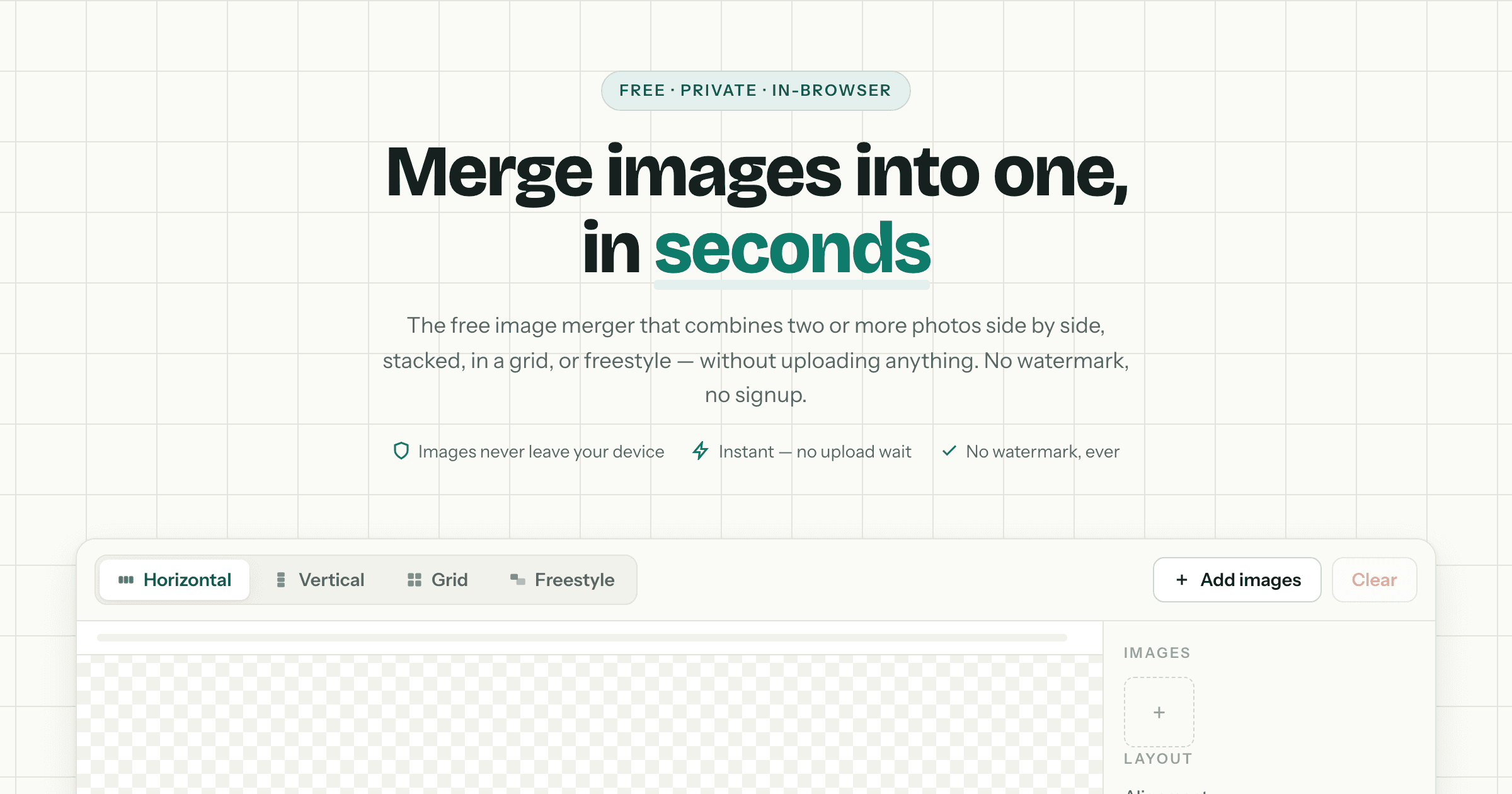
A new online tool called Free Image Merger has emerged, offering users a seamless way to combine multiple images into a single file without the need for uploads or account creation. This innovative platform allows for various merging styles, including side-by-side, stacked, grid, or freestyle arrangements, all while ensuring user privacy by processing everything directly in the browser.
Features and Functionality
Free Image Merger supports a variety of image formats, including PNG, JPG, WebP, GIF, and AVIF, accommodating up to 20 images at a time. The merging process is straightforward, requiring only three steps: users can drag and drop their photos onto the interface, browse their files, or even paste screenshots directly from their clipboard.
Once the images are uploaded, users can choose how they want to combine them. They can align images horizontally, which is particularly useful for before-and-after comparisons or product showcases. Alternatively, they can stack images vertically, making it ideal for creating long chat screenshots or full-page captures. For those looking to create a collage, the tool allows for a grid layout, which is perfect for mood boards or social media posts.
The platform also provides users with full control over the layout. By dropping images onto a blank canvas, users can freely arrange, resize, and layer their images, creating custom collages that suit their needs. The changes made to the layout are reflected live in the image preview, allowing for immediate feedback and adjustments.
When it comes to exporting the final product, Free Image Merger allows users to save their merged images in PNG, JPG, or WebP formats, all at full resolution. The merging process occurs entirely on the user's device, utilizing the Canvas API, which means that private photos and documents are never transmitted to external servers. This ensures that users can maintain the confidentiality of their images while still benefiting from the tool's capabilities.
User Experience and Feedback
The reception of Free Image Merger has been overwhelmingly positive. Users have praised the tool for its ease of use and efficiency. Many have highlighted how quickly they can create collages or combine images for presentations without encountering watermarks or lengthy processing times. The immediate results and user-friendly interface have made it a favored resource among various content creators.
One user noted, "I love Free Image Merger! It's incredibly easy to use and allows me to create beautiful collages in just seconds." This sentiment is echoed by others who appreciate the tool's ability to handle client photos without the concern of data privacy. The fact that images remain on the user's device throughout the process has been a significant selling point.
Another user remarked on the versatility of the layout options, stating, "The layout options are versatile, and the final images look great!" This flexibility allows users to tailor their images to specific needs, whether for digital art projects, social media content, or educational materials.
Why it matters
The introduction of Free Image Merger highlights a growing trend towards privacy-focused online tools that prioritize user experience and data security. For creators and technologists, this tool represents a significant advancement in how images can be manipulated without compromising on quality or privacy. The ability to merge images in-browser means that users can work efficiently, without the delays often associated with uploading files to external servers.
Moreover, the tool's accessibility—free of charge and without the need for signups—democratizes image editing capabilities, making it available to a broader audience. This is particularly beneficial for independent creators, bloggers, and small businesses that may not have the resources to invest in expensive software solutions.
In conclusion, Free Image Merger stands out as a practical and efficient tool for anyone looking to combine images quickly and securely. Its user-centric design and commitment to privacy make it an invaluable asset in the digital toolkit of creators and technologists alike.
Frequently asked questions
- What formats can I use with Free Image Merger?
- Free Image Merger supports PNG, JPG, WebP, GIF, and AVIF formats.
- Do I need to create an account to use Free Image Merger?
- No, Free Image Merger does not require any account creation or signup.
- How does Free Image Merger ensure my images remain private?
- All merging processes occur in the browser using the Canvas API, meaning images are never uploaded to external servers.
Related stories
AI & art news in your inbox, daily
The day's top stories, summarized. Free, no spam, unsubscribe anytime.